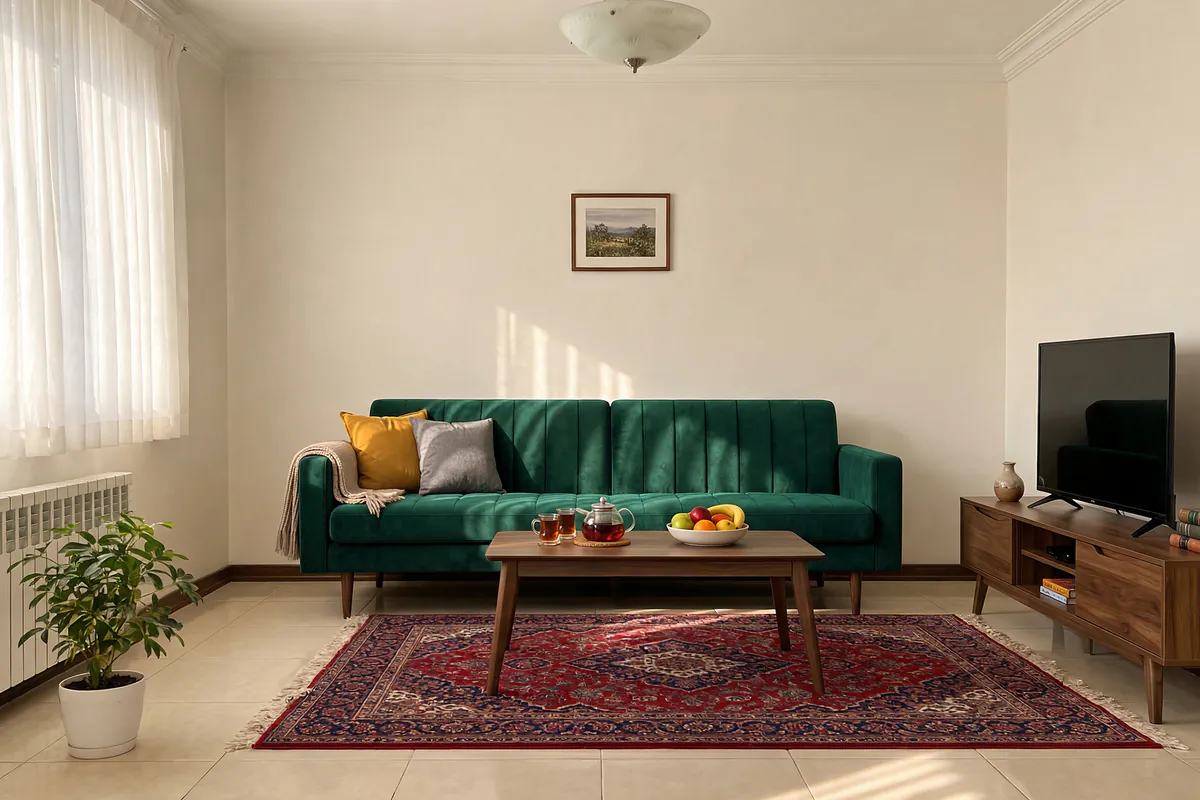
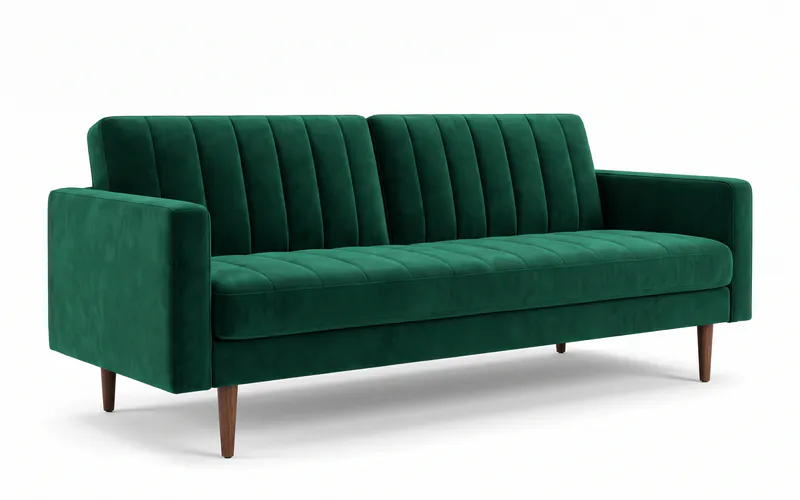
Will this sofa suit our room?
Add a photo of the sofa or rug you plan to buy and see it in your own room.
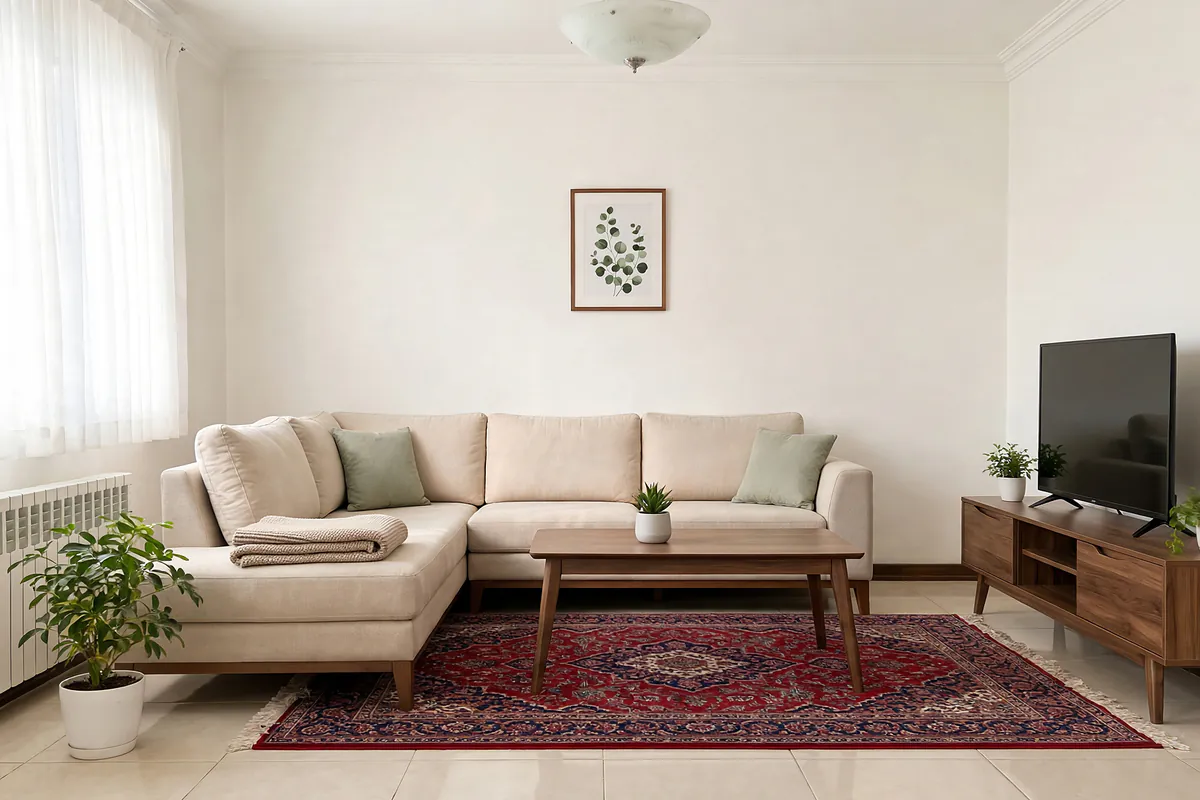
See furniture at homeTake a photo of your room and say what should stay and what should change. About a minute later you see the same room with new decor.
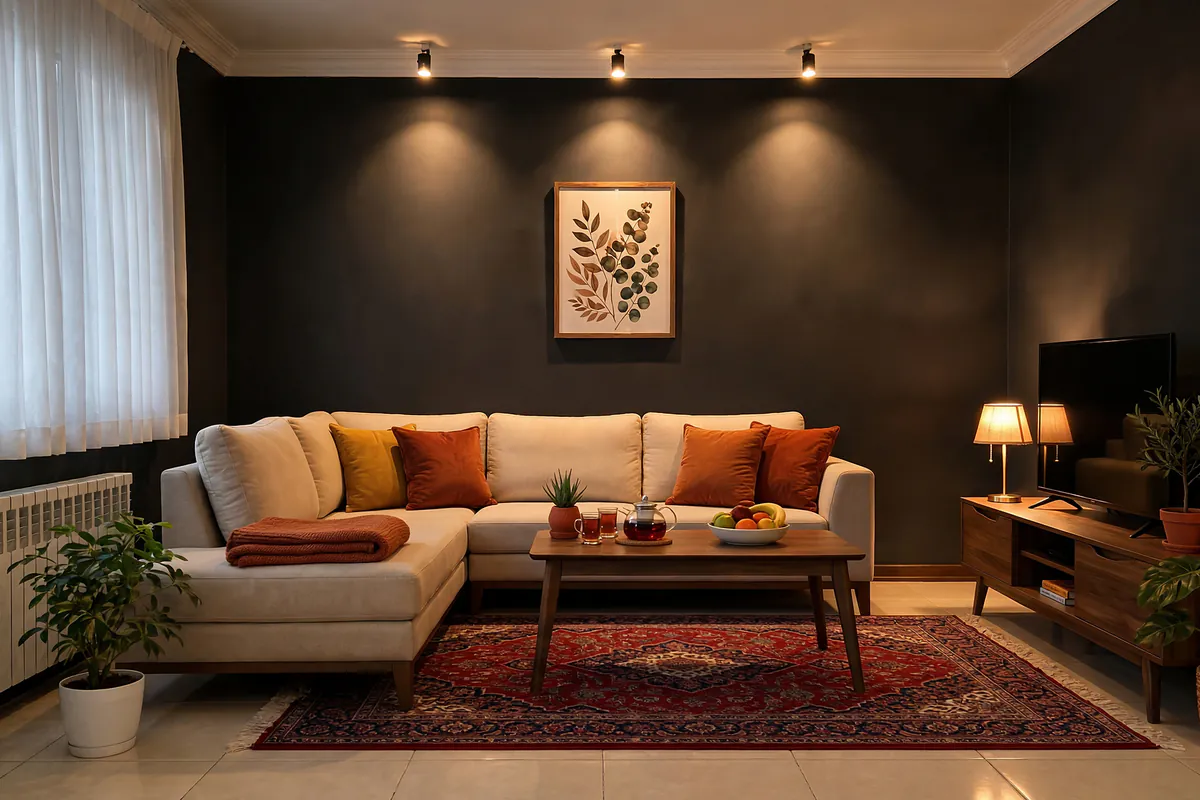
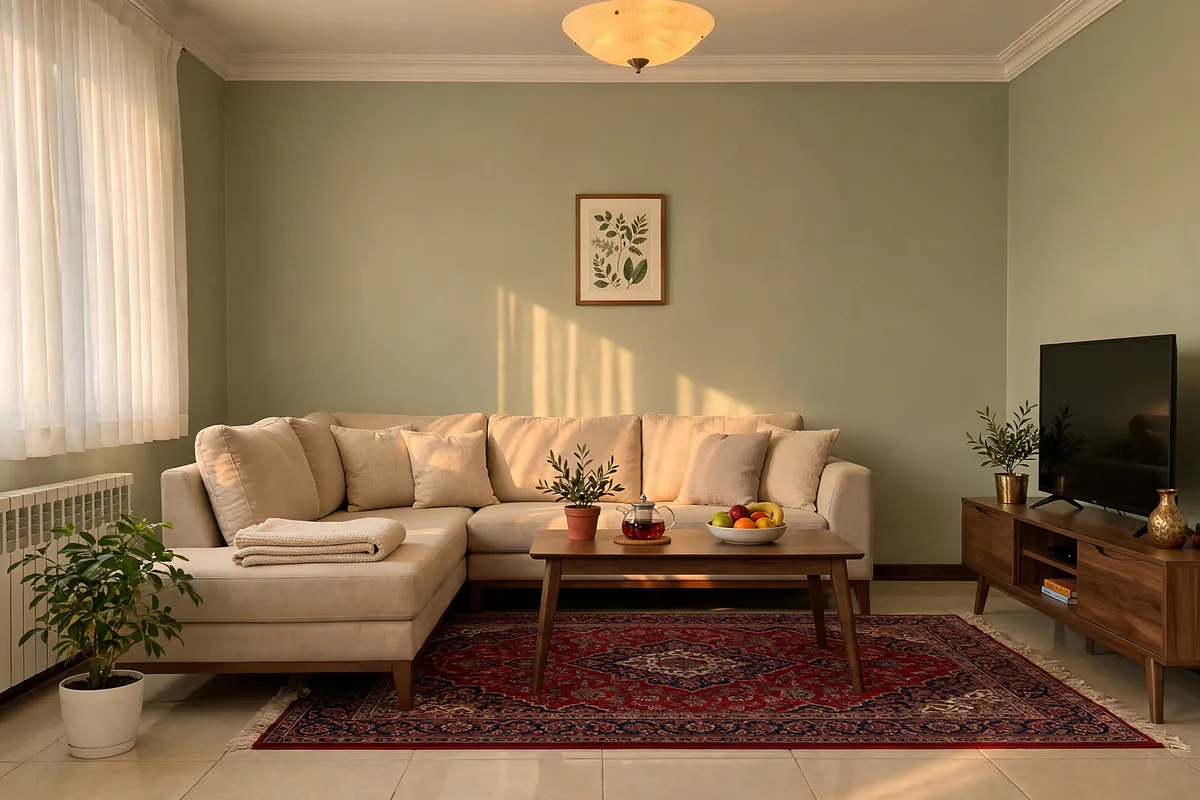
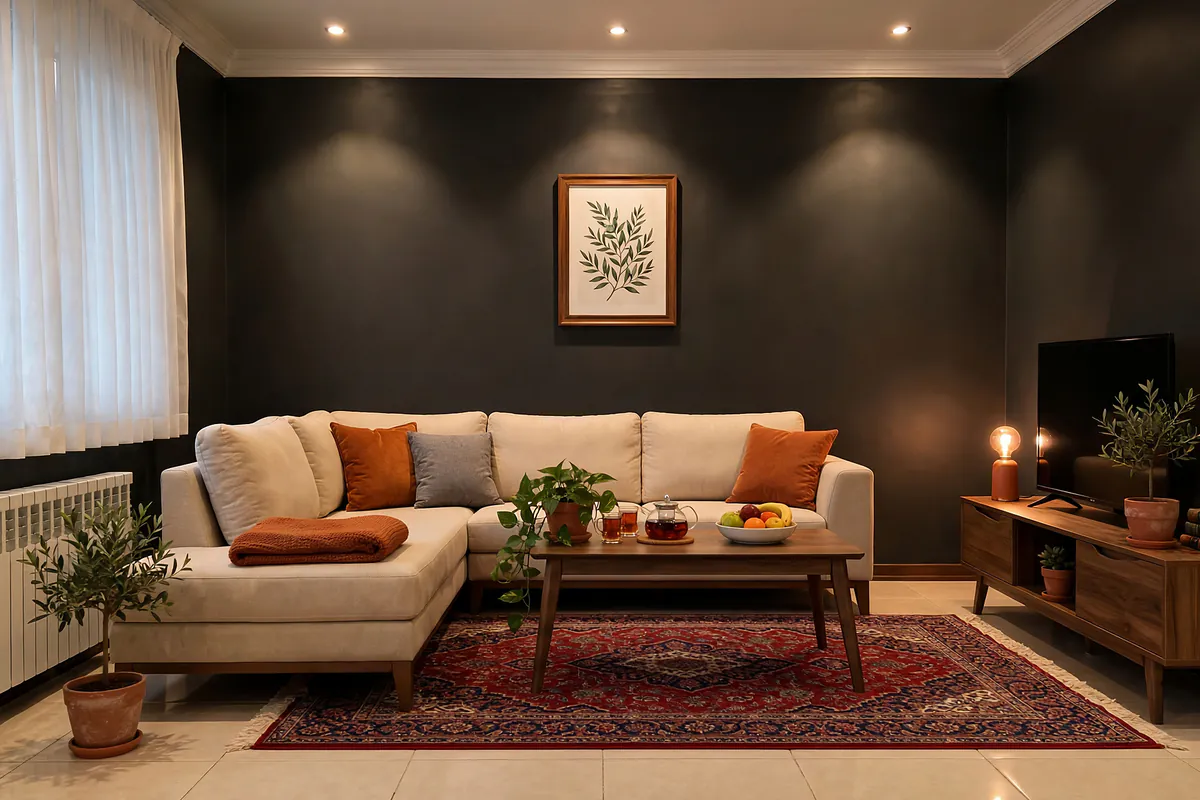
Drag the line to compare.Mood: dark and cosy
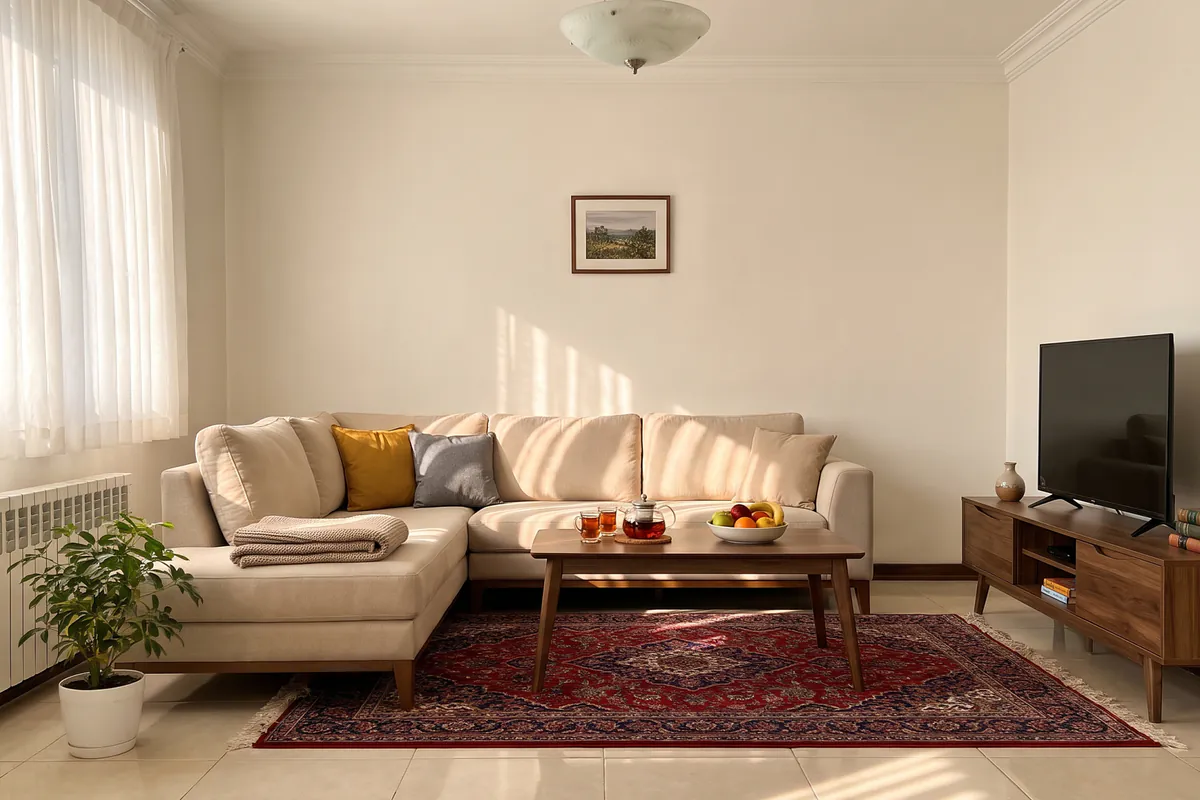
Moods
The same sofa, the same rug; the colour and light change as you choose. Not sure? Choose “Dekorator’s suggestion” («پیشنهاد دکوراتور»).
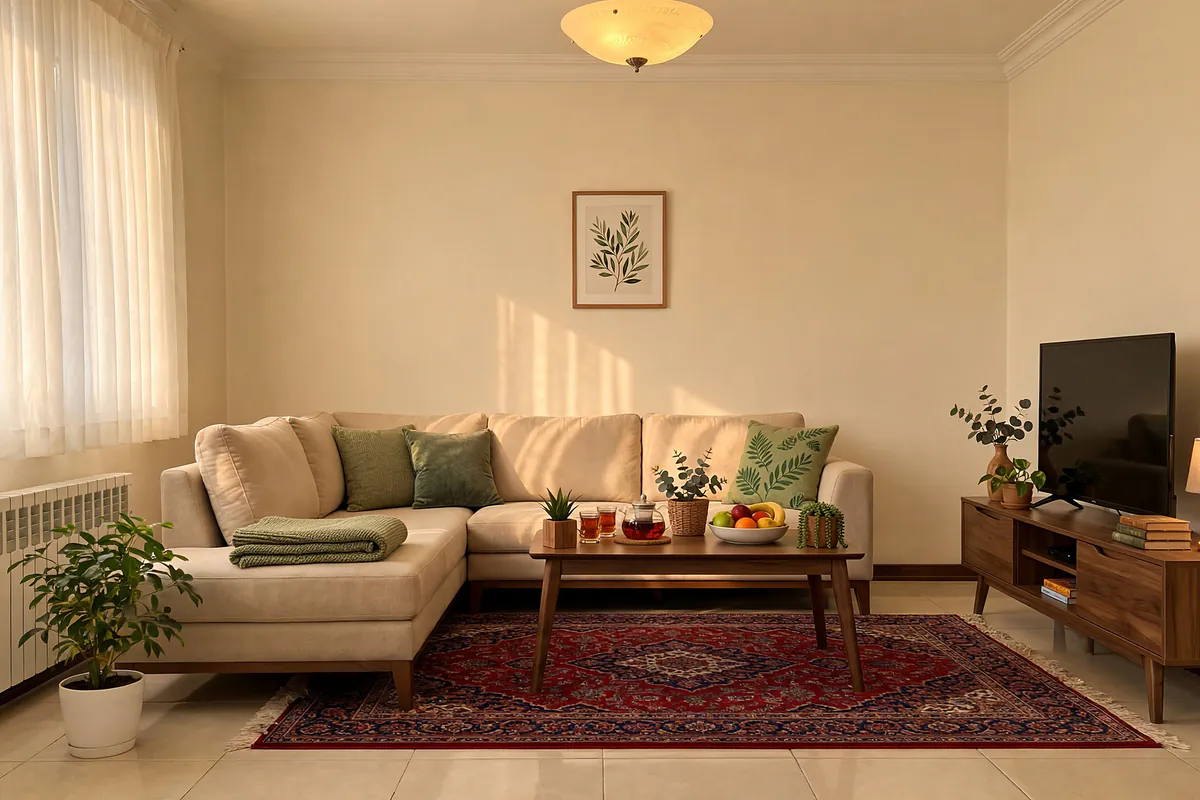
Before you buy or renovate
Will this sofa suit our living room? What colour should the walls be? What colour should the cabinets be?
Add a photo of the sofa or rug you plan to buy and see it in your own room.
See furniture at home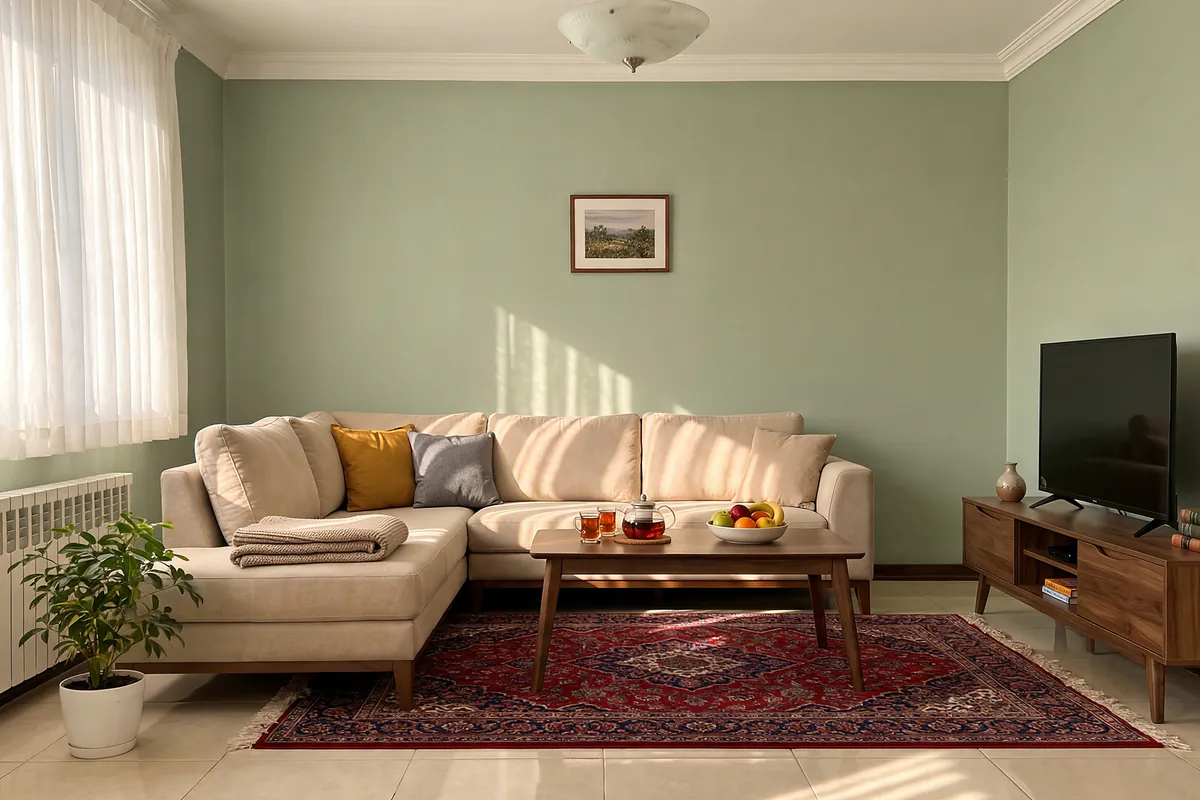
Only the wall colour changes; the rest of the room stays as it is.
Try a wall colour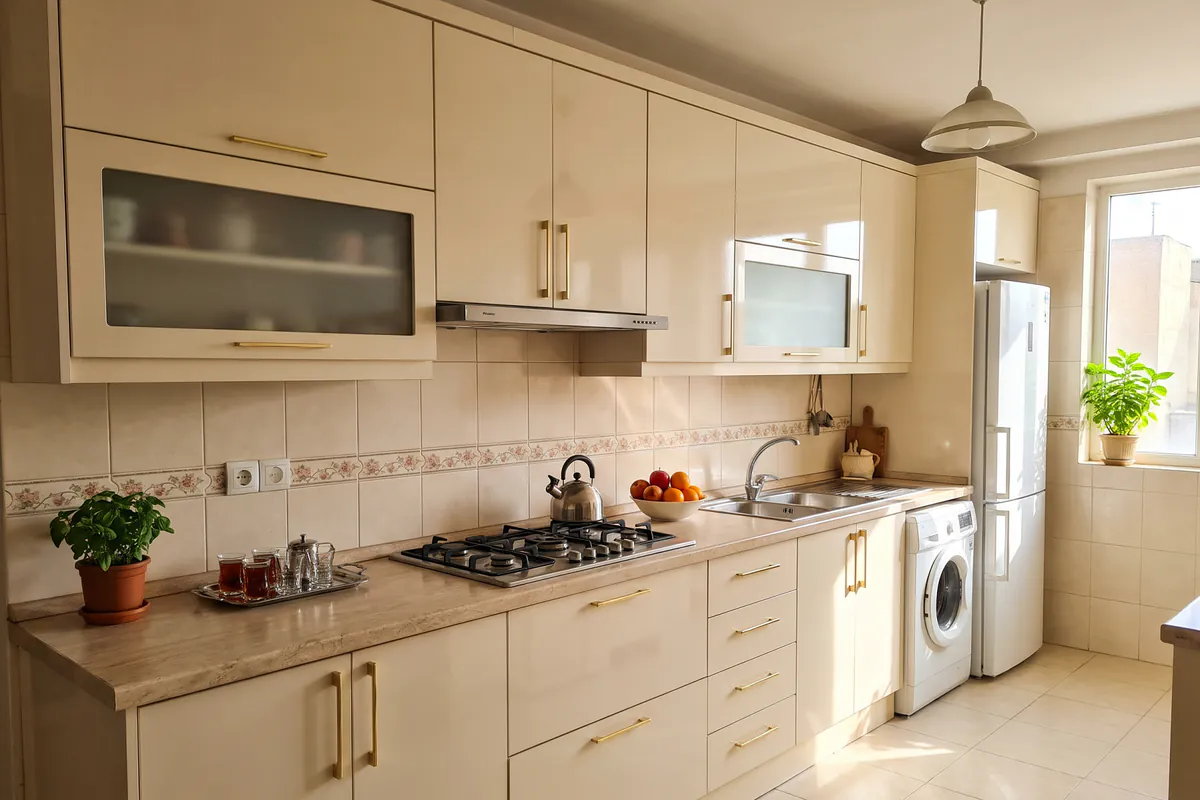
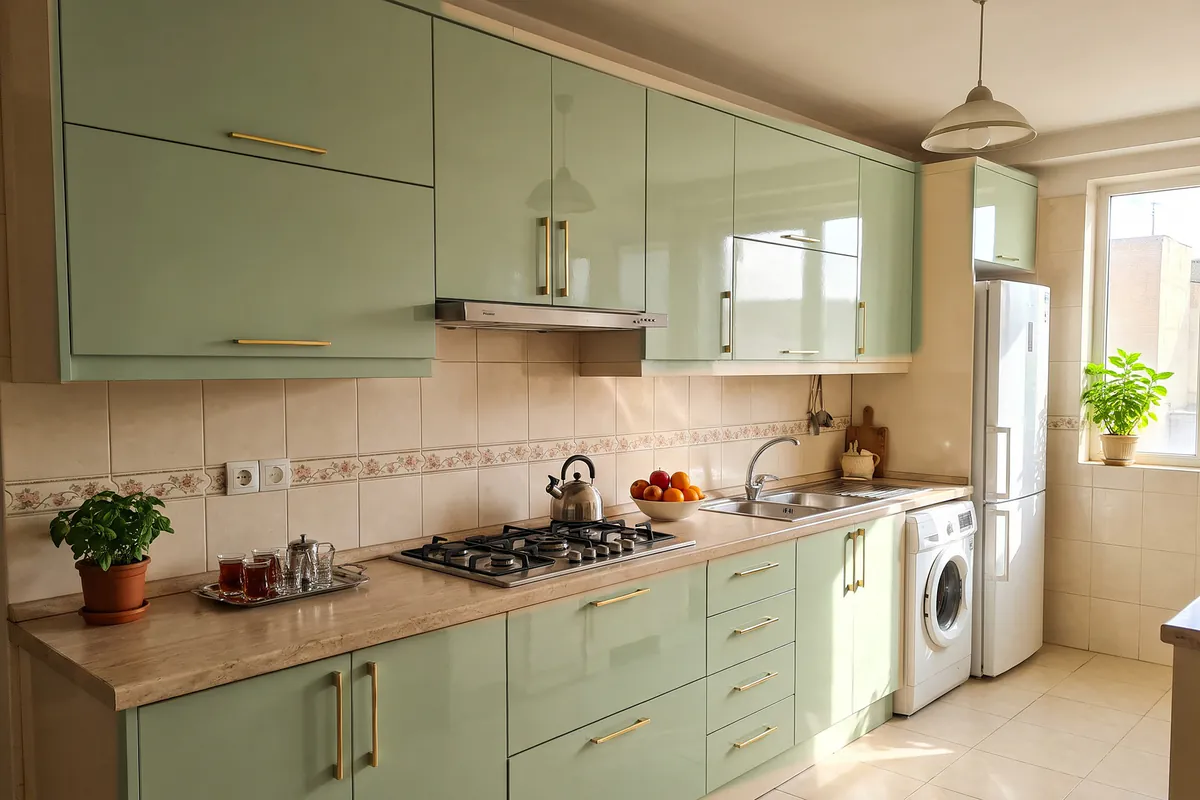
New colours and materials, on your own kitchen cabinets.
Kitchen cabinet designFeatures
For the living room, bedroom, kitchen, bathroom, hallway, office or shop.
You decide whether the sofa, rug and curtains stay, move or are replaced.
The wall colour, sofa, rug, curtains or floor (parquet, ceramic, stone). The rest of the room stays as it is.
MoreHigh-gloss, matte or shaker MDF and wood veneer, in several colours, on your own cabinets.
MoreSee a living room, bedroom, child’s room, dining room, study or shop furnished.
MoreA room you saw somewhere and liked, or the sofa or rug you plan to buy, in your own home.
MoreRemove extra items from the photo and see the room uncluttered.
Design the outside of the building too.
Anything else in mind? Write it in your own words.
How it works
Choose a photo of the room, or take one of the whole space: a wide frame, good light, no people.
Say what stays and what changes: the sofa, rug and curtains stay, move or are replaced.
The review page («مرور طرح») shows how we understood your request. The design is ready in about a minute and stays in “My designs” («طرحهای من»).
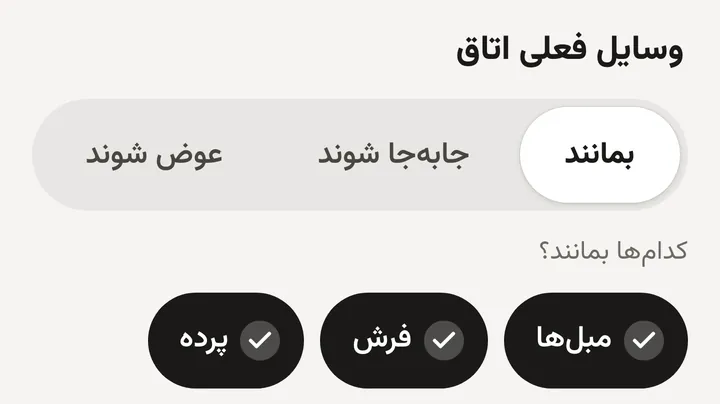

Slide the before-and-after line across the picture to see the difference. Save the design, or a side-by-side before-and-after image, and send it to your family, your client or your contractor.
Empty rooms and new buildings
Before you buy the first piece of furniture, see an empty room or an unfinished home furnished.
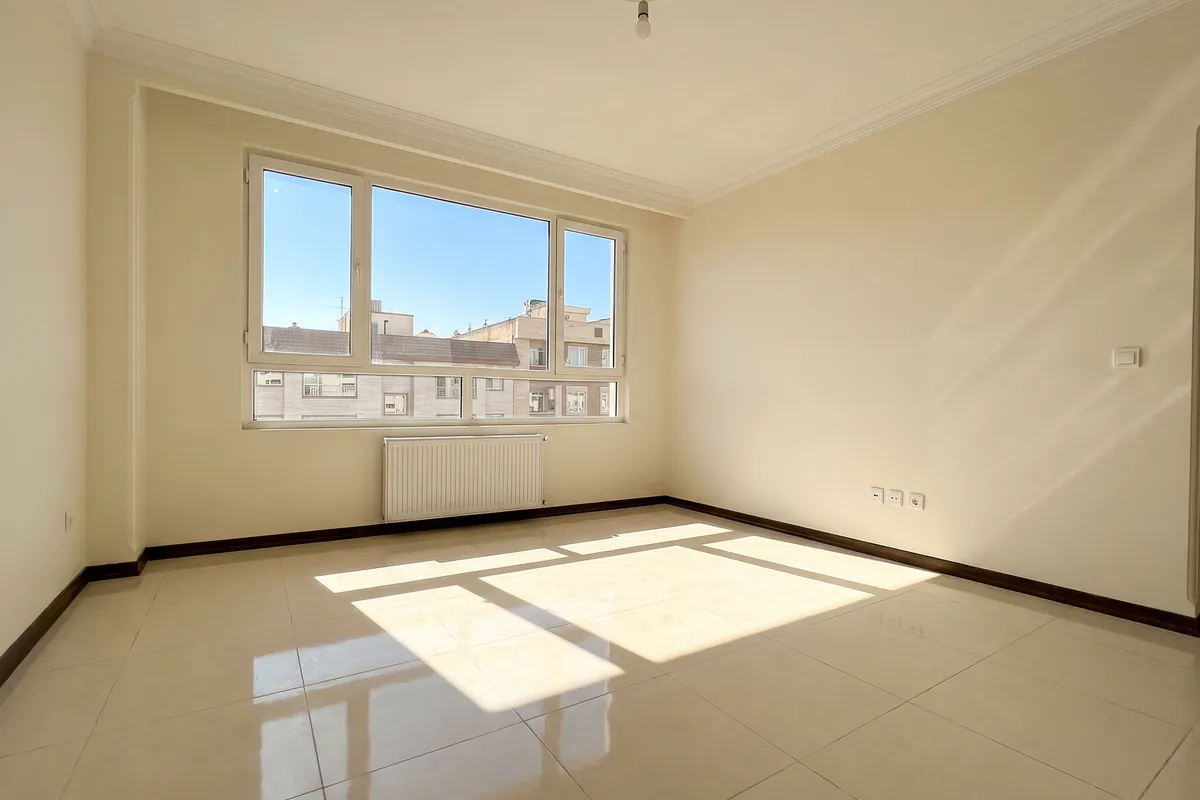
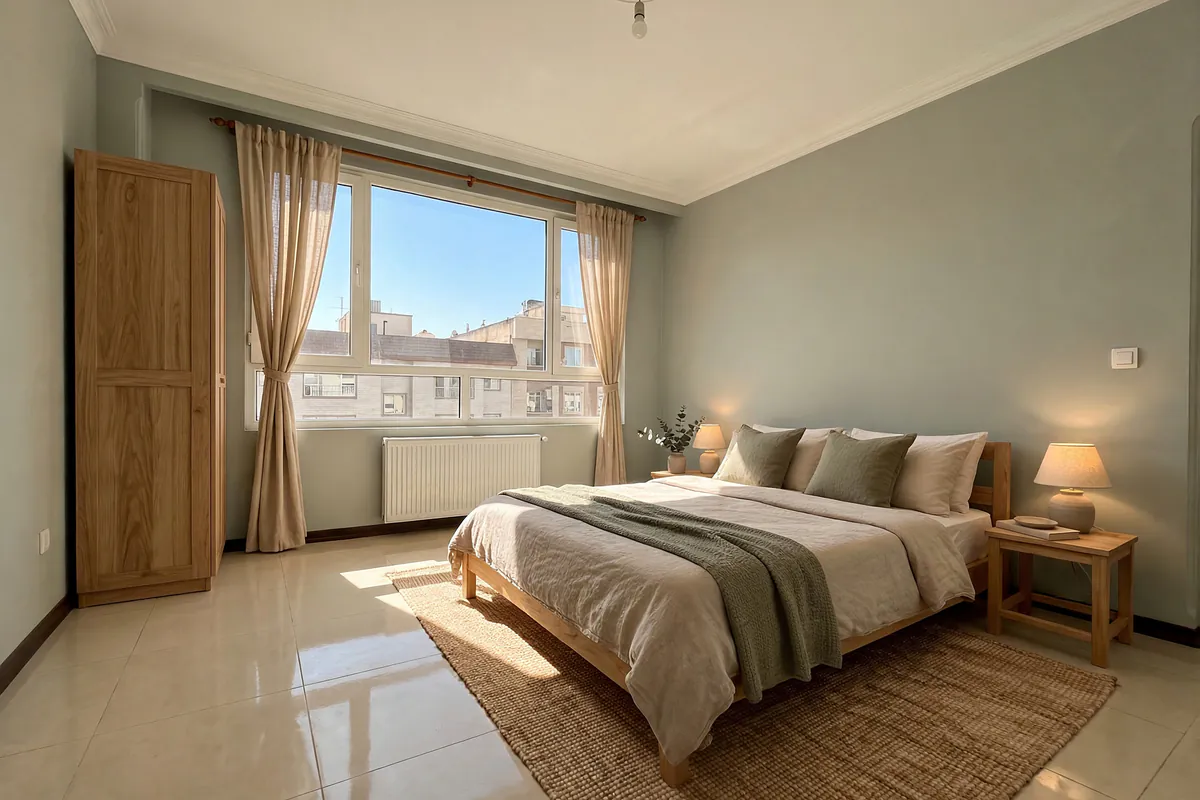
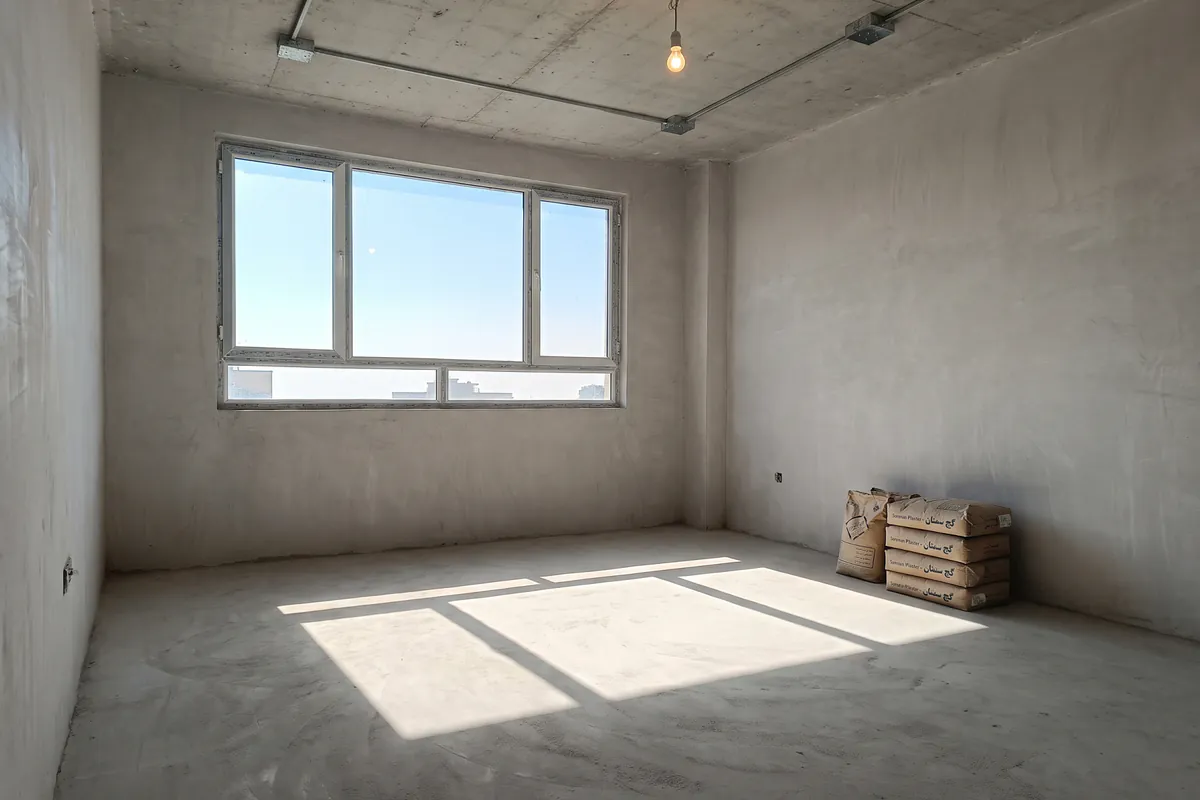
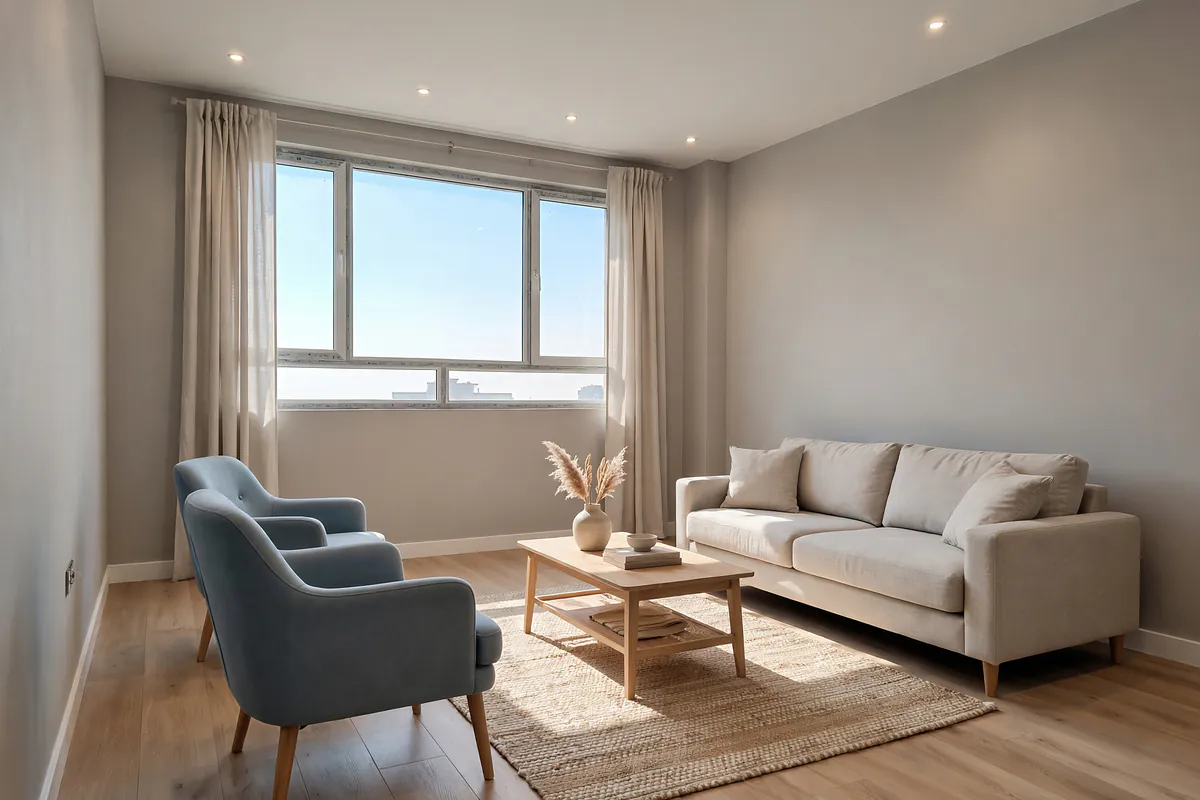
An estate agent? A “virtual staging” («چیدمان مجازی») label goes on the image, so the listing stays honest. Furnish an empty room
For home and for work
Try several ideas on a photo of your home before buying furniture or starting a renovation.
Show an empty flat furnished. A “virtual staging” label goes on the image, so the listing stays honest.
Virtual staging Cabinet makers and carpentersShow the colour and material you propose on a photo of the client’s kitchen.
Cabinet design Furniture, curtain and rug sellersThe customer sees the product in their own home and decides more easily.
Sample photoMake several options for each room and show them to the client side by side.
Packs
You pay once; there is no subscription, and packs do not expire. Prices are in Iranian toman.
FAQ
Dekorator is an Android app for AI interior design and home decor. You take a photo of your room and say what should stay and what should change; about a minute later you see the same room with new decor. The app’s interface is in Persian.
Installing the app and your first design are free, with no sign-up. Each phone gets one free design, carrying a small Dekorator mark. For more designs you buy a pack inside the app: 3, 8, 30 or 100 designs, from 199,000 toman. You pay once; there is no subscription.
Dekorator is an Android app (Android 7 or later), available on Cafe Bazaar and Myket, the Iranian app stores. There is no iPhone version.
Yes. The walls, the windows and the camera angle are left alone, so the result really is your home, not a sample picture. You decide whether the sofa, rug and curtains stay, move or are replaced.
A photo of the whole space: a wide frame, good light and no people. If a photo will not work (a floor plan, a photo of a screen, or a photo with people in it), we tell you straight away so you can choose another one; no design is used up.
About a minute. If you like, we notify you when it is ready. Designs stay in “My designs” («طرحهای من»).
If making a design fails for a technical reason, it returns to your account automatically. A design you do not like is not returned; that is why the review page («مرور طرح») shows how we understood your request, and lets you correct it, before the design is made.
Your photo is sent only with your approval, and only to make the design. We do not use your photos in advertising or anywhere public, nobody sees your mobile number, and you can delete a room, a design or your whole account at any time. Privacy policy (in Persian)
Yes. Save the design, or a side-by-side before-and-after image, and send it to your family, your client, your contractor or a shop. Viewing, comparing, saving and sending designs is free.
Send your invite code to your friends. A friend installs Dekorator on a phone that never had it and, before their first design, enters your code under «کد دعوت دارید؟» (“Have an invite code?”). Their first design comes without the mark, and once they have made it and verified a new mobile number, a free design comes to you shortly after.
Do not buy again. Open the packs page in the app and tap “Check again” («بررسی دوباره»). If they are still missing, send a message from “Support” («پشتیبانی») in the app.
For Android phones · The app is in Persian
Take a photo of your room now; the first design is on us.