AI kitchen cabinet designYour cabinets, a new colour
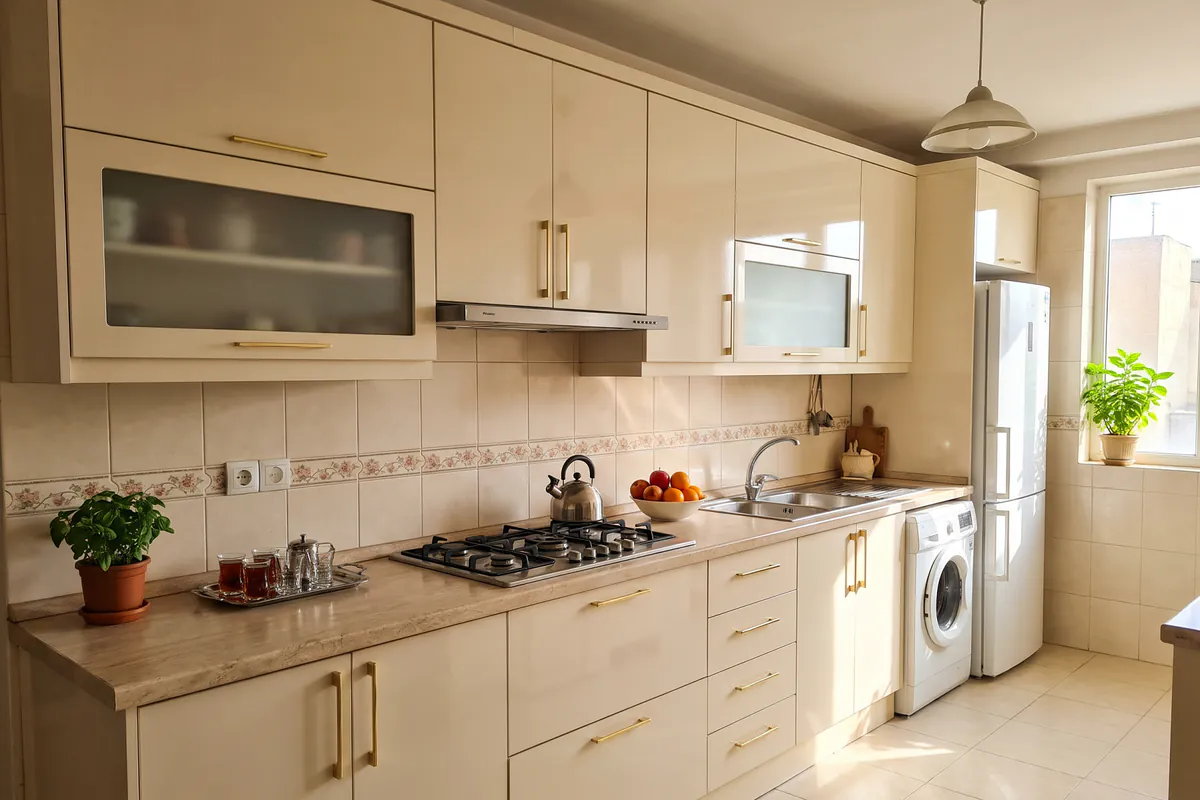
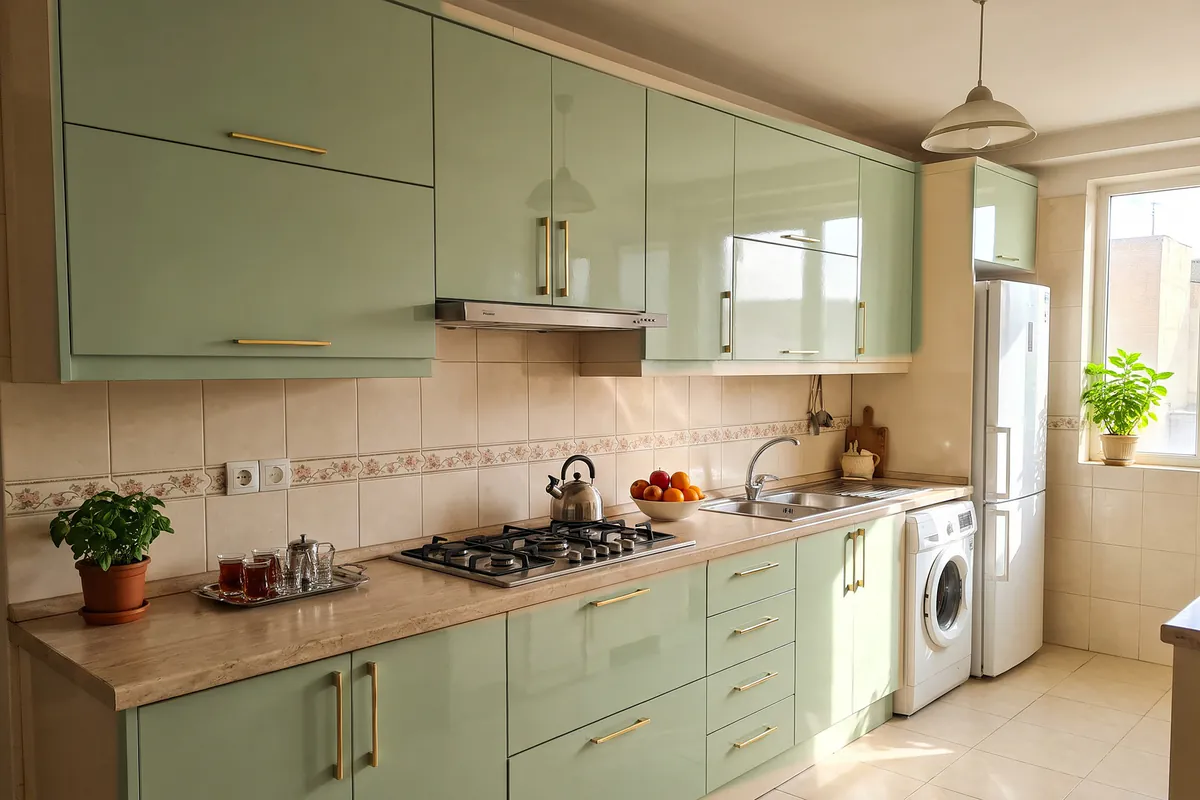
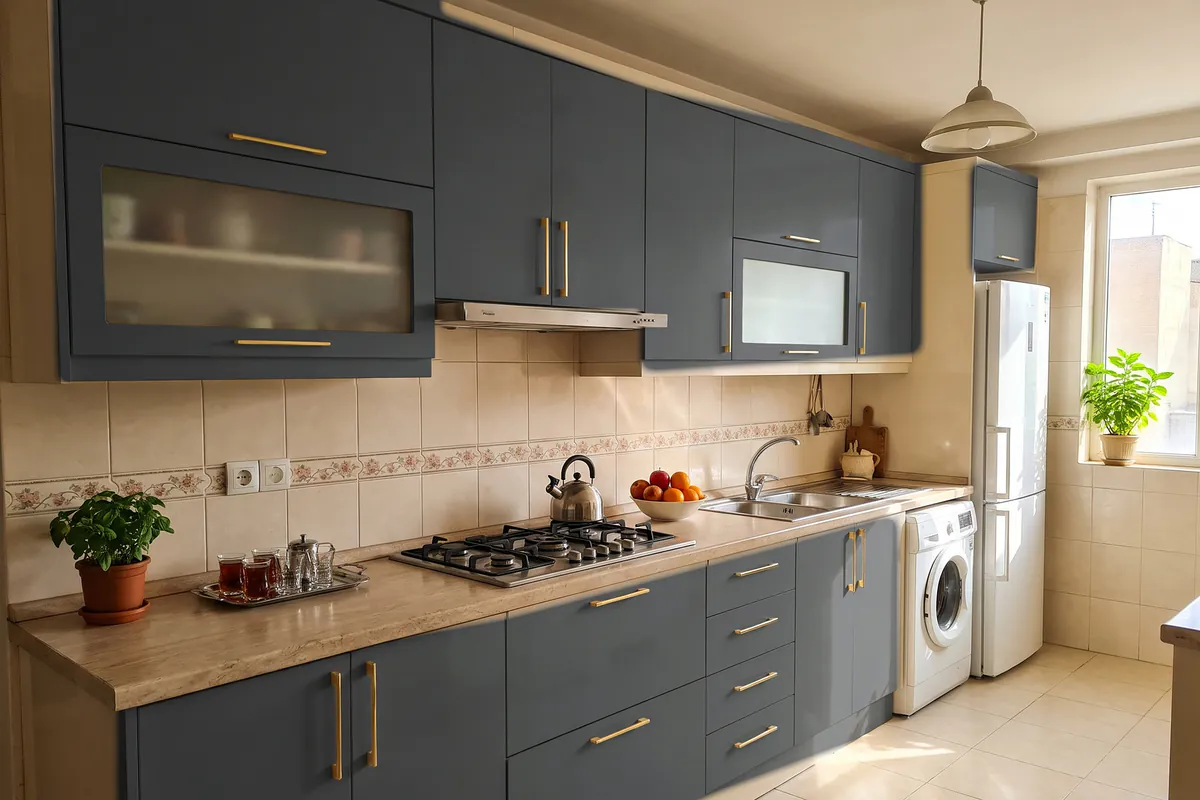
Photograph your kitchen and see your own cabinets in a new colour and material, before the cabinet maker starts work.
What you can try
New cabinets, without guesswork
- Material: high-gloss, matte or shaker MDF and wood veneer.
- Colour: several ready colours, such as white, charcoal, walnut or oak.
- The whole kitchen: to see the whole kitchen anew, say whether the cabinets, wall tiles, appliances and floor stay or change.
- In your own words: anything else you have in mind, just write it.
For cabinet makers and carpenters
Show the colour and material you propose on a photo of the client’s kitchen. Save the design, or a side-by-side before-and-after image, and send it so the client can decide before ordering.
For a good photo
- Photograph the whole kitchen, not one corner; a wide frame.
- Good light, ideally daylight.
- No people in the photo.
Kitchen cabinet questions
Will it still be my own kitchen’s cabinets?
Yes. The design is made on a photo of your own kitchen; the walls, the windows and the camera angle are left alone, and your own cabinets get a new colour and material.
Which materials can I try?
High-gloss, matte or shaker MDF and wood veneer, in several colours. Anything else in mind? Write it in your own words.
Will the real colour match the design?
A design is for making a decision, not a construction drawing. Before you order, confirm the exact colour and material with your cabinet maker’s real sample.
Is Dekorator free?
Installing the app and your first design are free, with no sign-up. Each phone gets one free design, carrying a small Dekorator mark. For more designs you buy a pack inside the app: 3, 8, 30 or 100 designs, from 199,000 toman. You pay once; there is no subscription.
More features
For Android phones · The app is in Persian
See your kitchen with new cabinets
Take a photo of your room now; the first design is on us.