AI virtual stagingSee an empty room furnished
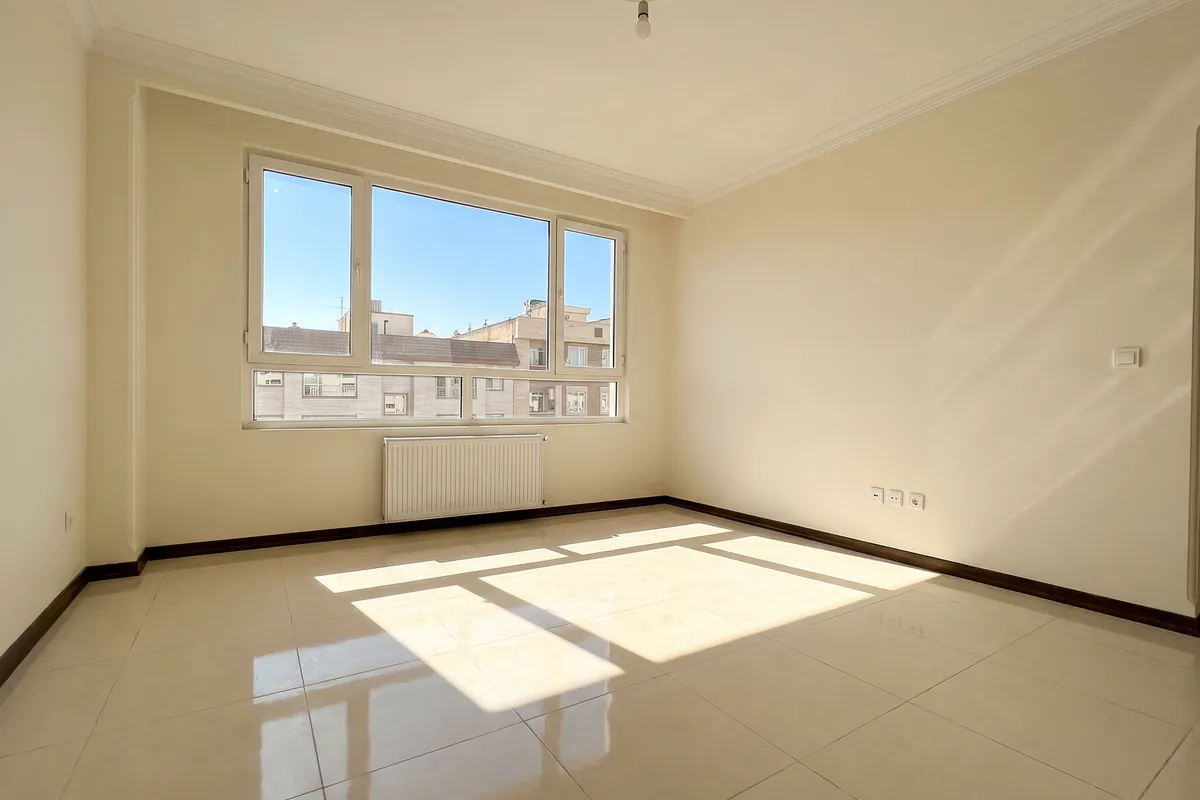
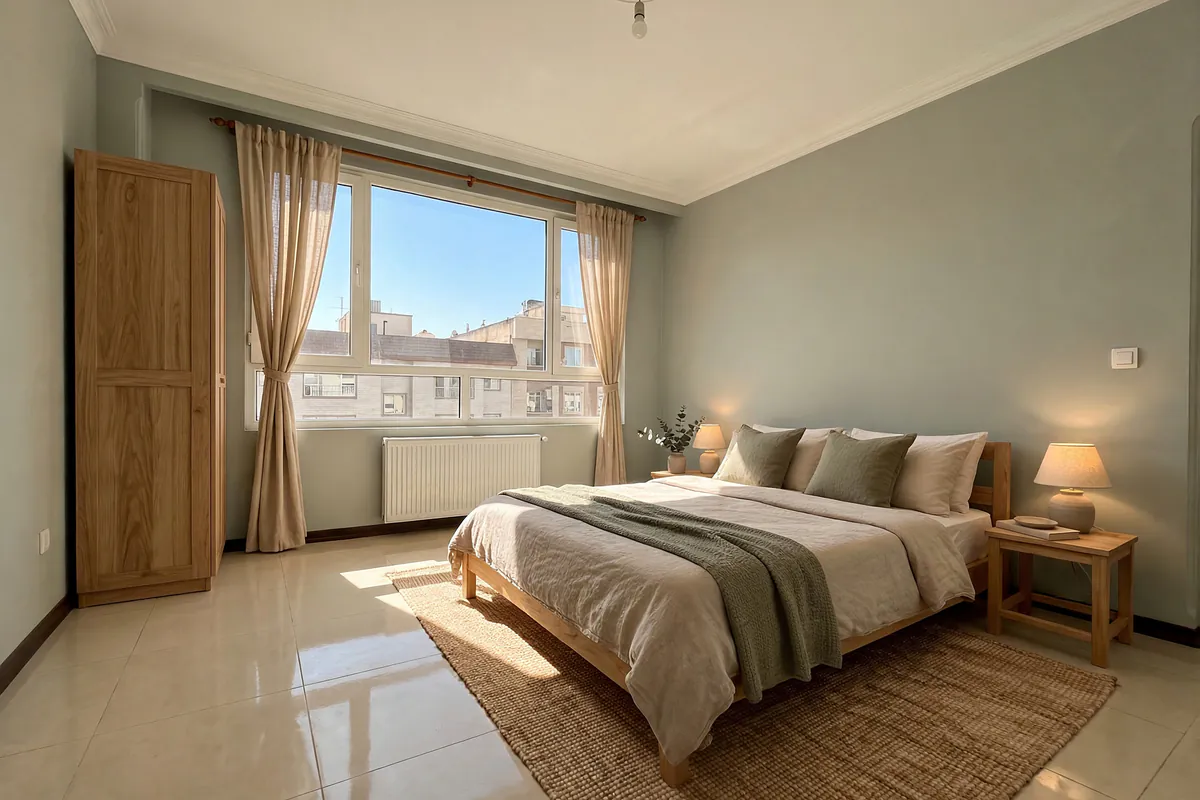
Photograph an empty room or an unfinished home and see how it looks furnished, before you buy the first piece of furniture.
Furnishing an empty space
You say what it is for; Dekorator furnishes it
- Use: living room, bedroom, kitchen, study, child’s room, dining room or shop.
- How much furniture: sparse, normal or full.
- Unfinished spaces: a parquet, ceramic or stone floor; a plain ceiling or a dropped one with hidden lighting.
- Mood: warm and bright, green and calm, white and simple or dark and cosy; or “Dekorator’s suggestion” («پیشنهاد دکوراتور»).
For estate agents
Show an empty flat furnished so buyers and tenants can picture the space. A “virtual staging” («چیدمان مجازی») label goes on the image, so the listing stays honest.
For builders and buyers of new homes
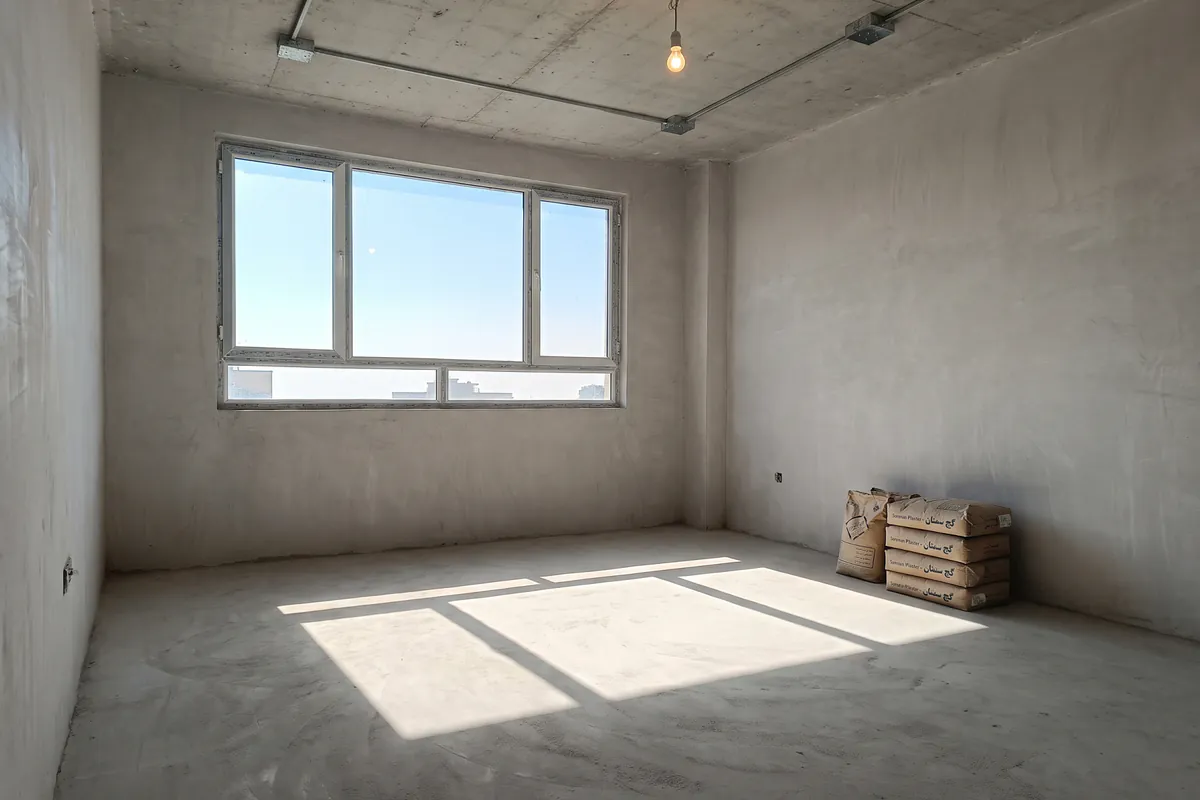
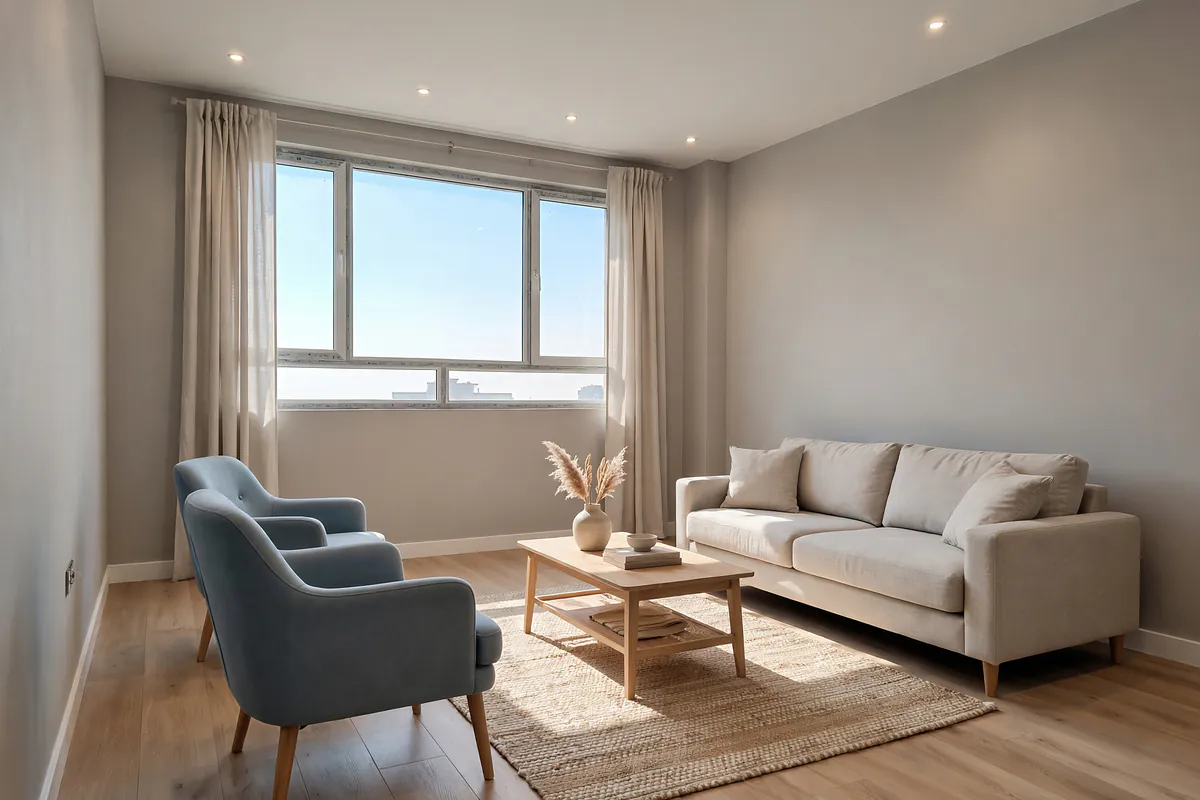
See the home with floor, ceiling and furniture before the work is finished, and compare several options side by side.
Empty room questions
What can an empty room be furnished as?
A living room, bedroom, kitchen, study, child’s room, dining room or shop. You say whether it should be sparse, normal or full.
Does it work for an unfinished home or a new building?
Yes. Photograph an unfinished space with bare cement walls and floor and see it finished and furnished; you can choose the floor (parquet, ceramic or stone) and the ceiling (plain, or a dropped ceiling with hidden lighting).
What is the “virtual staging” label?
A picture of a room furnished virtually carries a “virtual staging” label, so a property listing that uses it stays honest.
What kind of photo should I take?
A photo of the whole space: a wide frame, good light and no people. If a photo will not work (a floor plan, a photo of a screen, or a photo with people in it), we tell you straight away so you can choose another one; no design is used up.
More features
For Android phones · The app is in Persian
See your empty room furnished
Take a photo of your room now; the first design is on us.